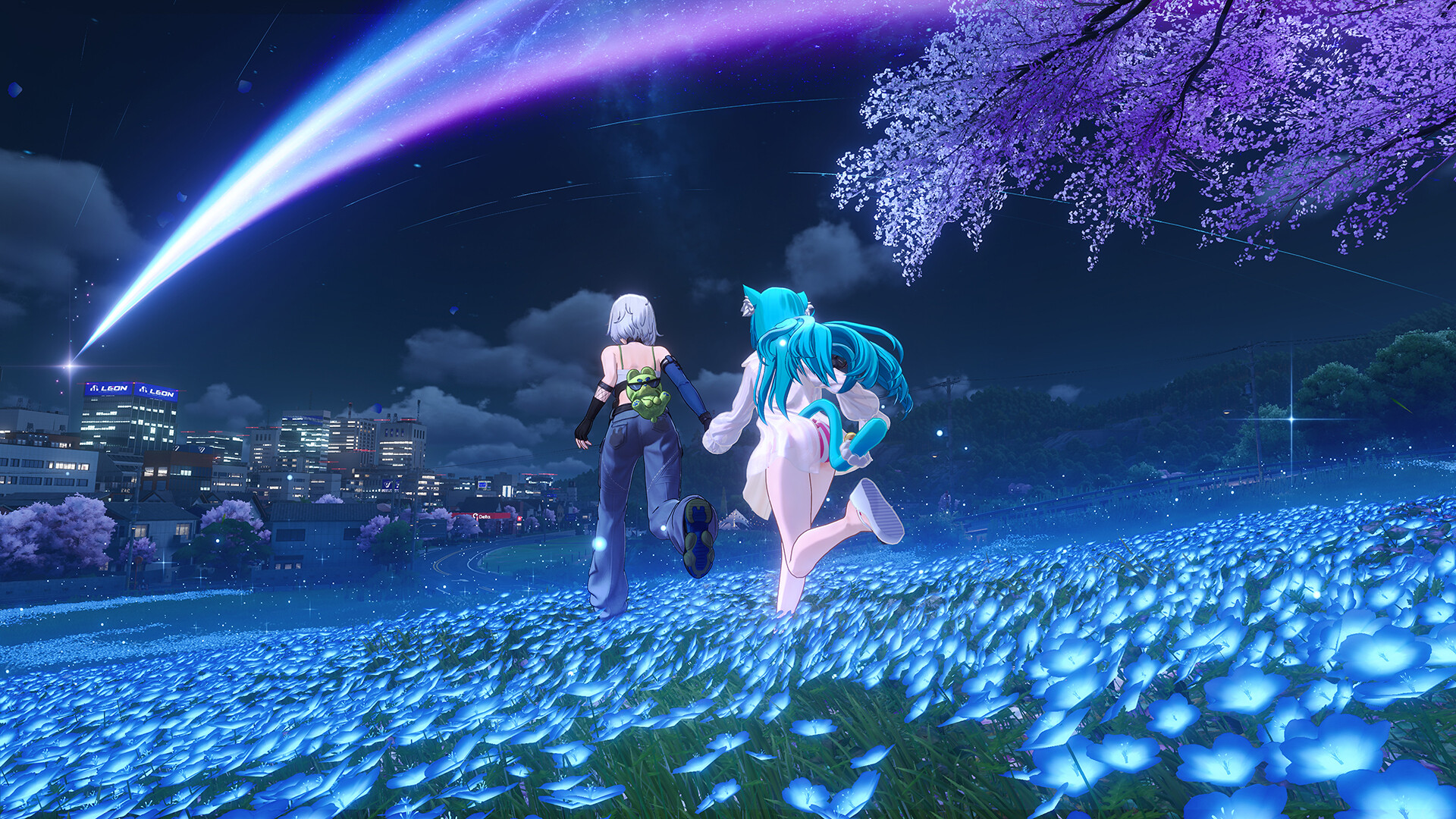
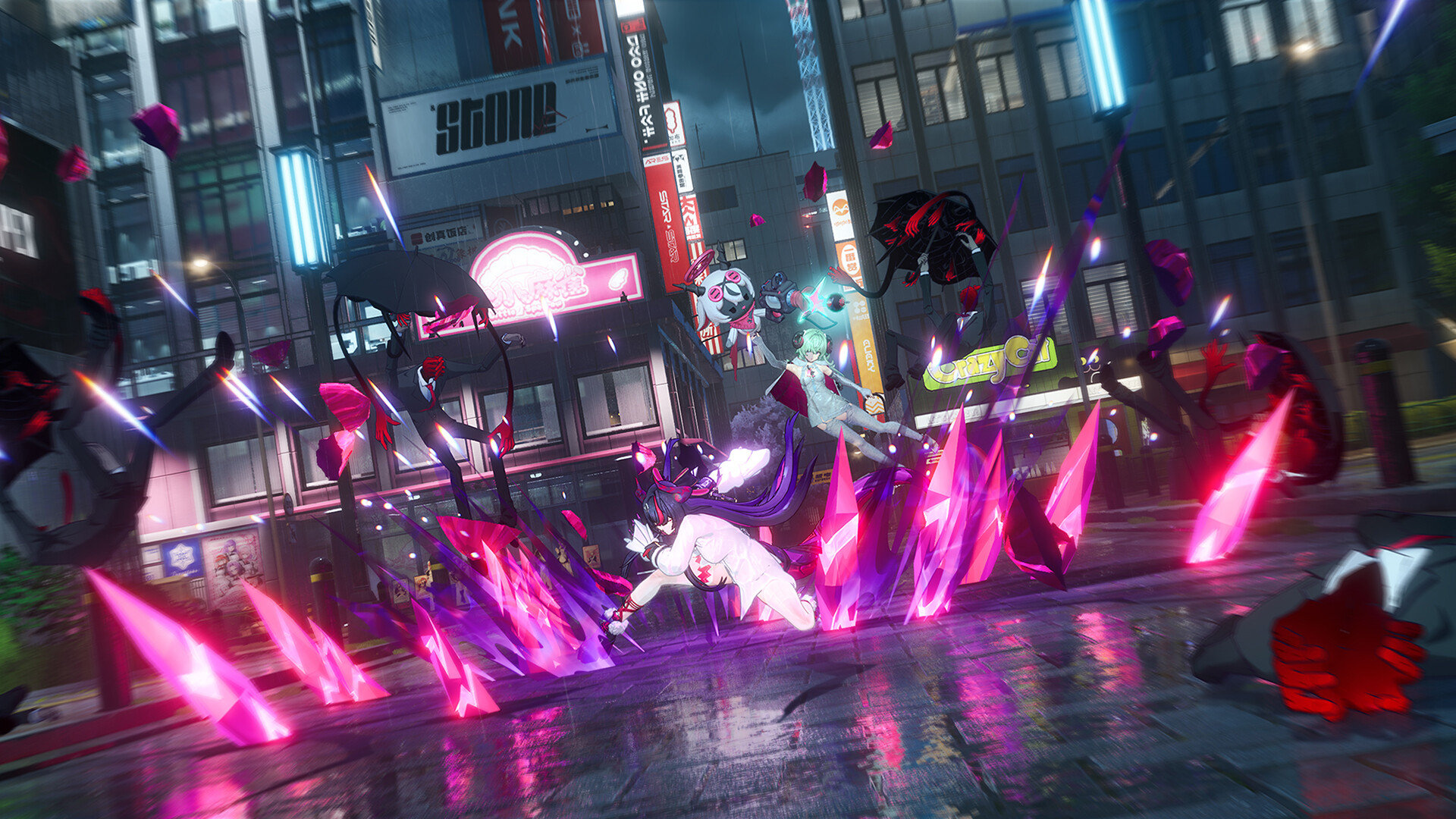
Neverness to Everness (NTE) is a free-to-play urban-fantasy RPG from Hotta Studio. It's live worldwide and available on Steam — here's how to download and start playing on PC, Android or iOS, and what to grab before your first session. Independent guide by PC Game Pilot.
Available on PC (Steam, Epic & the official launcher), PS5, Android, iOS, Mac and HarmonyOS — live worldwide since 29 Apr 2026, with full cross-play.
How to play on PC — step by step
Open the official page or Steam. Head to the official site (nte.perfectworld.com) and choose PC Download, or open the NTE page on Steam / Epic Games Store.
Install the game. Use the official launcher (accept the terms, then Quick Install) or install through Steam/Epic. Budget about 60 GB — and install to an SSD, which is required (an HDD causes stutter and texture pop-in).
Create or sign in to your account. One global NTE account works across PC, PS5, Android and iOS with full cross-progression, so you keep the same characters and progress everywhere.
Play through the prologue. Finish the opening chapter in Hethereau. It unlocks the core combat, the gacha and your first companions — do this before spending anything.
Claim rewards and redeem codes. Open your in-game mailbox for launch rewards (the launch handed out 120+ free pulls), then redeem the currently active codes for free Annulith and materials.
PC system requirements
Component
Minimum
Recommended
OS
Windows 10 64-bit
Windows 10 / 11 64-bit
CPU
Intel Core i7-10700
Intel Core i7-12700
GPU
NVIDIA GTX 1660
NVIDIA RTX 3060
RAM
16 GB
32 GB
Storage
60 GB — SSD required
60 GB — SSD required
An SSD is mandatory — the open city streams assets constantly, and an HDD will stutter and pop textures.
Here's the complete, platform-by-platform walkthrough — from downloading the game to claiming your first free pulls.
Install on PC — official launcher
Open the official site. Go to nte.perfectworld.com and choose PC Download to get the launcher.
Run the launcher and tick the terms of use.
Pick an install type. Choose Quick Install, or Custom Install to change the folder — put it on an SSD.
Let the ~60 GB download finish, then launch and sign in.
Install on PC — Steam or Epic
Open the store page on Steam or the Epic Games Store and search "NTE".
Install (it's free). Keep ~60 GB free on an SSD.
Launch and log in with your global account — existing progress carries over via cross-progression.
Install on Android, iOS or PS5
Android: Google Play → search "NTE" → install (~20 GB).
iOS: App Store → search "NTE" → install.
PS5: PlayStation Store → search "NTE" → download. If you want to reroll, do it on mobile first, then sign in on PS5.
Your account & cross-progression
NTE uses one universal account. Log in with the same account on any device and your characters, gear and quest progress sync in real time across PC, PS5, Android and iOS. You can bind an email or link Google/Facebook — a handy new-player trick is to link Google/Facebook first, then switch to email once you're happy with your account.
Claim your free rewards first
Before anything else, open your in-game mailbox — the envelope icon at the bottom of the in-game phone. Every account gets pre-registration rewards and compensation (whether or not you pre-registered), and the launch dropped roughly 418 free pulls. The mailbox holds up to 500 messages, so claim regularly.
How to redeem codes — step by step
Open the menu and tap the three dots next to your character portrait.
Choose "Redeem" and type an active code exactly.
Open your mailbox and claim the rewards — entering the code alone isn't enough.
Finish the ~20-minute tutorial to reach the city — that unlocks the gacha.
You get a standard banner selector at 50 pulls, so you can pick a solid character within your first hour.
Early on, prioritise character and weapon upgrade materials; save Disc (gear) farming for higher levels.
Never let your stamina cap out — spend it on universal materials even without a goal.
Rerolling is optional — NTE is very completable without it.
FAQ
Is Neverness to Everness free to play?
Yes — NTE is completely free to download and play, with optional in-game purchases. The launch handed out roughly 418 free pulls, and the gacha has no 50/50 mechanic.
What are the PC requirements?
Minimum: Intel i7-10700, GTX 1660 and 16 GB RAM; an SSD is required and you need about 60 GB free. Recommended: i7-12700, RTX 3060 and 32 GB RAM.
Is progress shared across platforms?
Yes. One universal account syncs your characters, gear and progress in real time across PC, PS5, Android and iOS, with full cross-play.
Do I need to reroll?
No — NTE is completable without rerolling, and you get a standard banner selector at 50 pulls (pick any standard character in your first hour). If you do want to reroll, do it on mobile.
How do I redeem codes?
Open the menu, tap the three dots next to your character portrait, choose Redeem and enter the code. Rewards arrive in your in-game mailbox — open it and claim them.
PC Game Pilot is an independent guide site. Our "Play" links go to the official game site or store. We are not affiliated with Hotta Studio or Perfect World Games.