Overview
Merge Gardens
Restore Daisy's estate one merge and match-3 board at a time.
This media is unavailable. Choose another item or try opening the original.
Game images and footage belong to their respective owners.
 Visit official site
The experience
A closer look at Merge Gardens
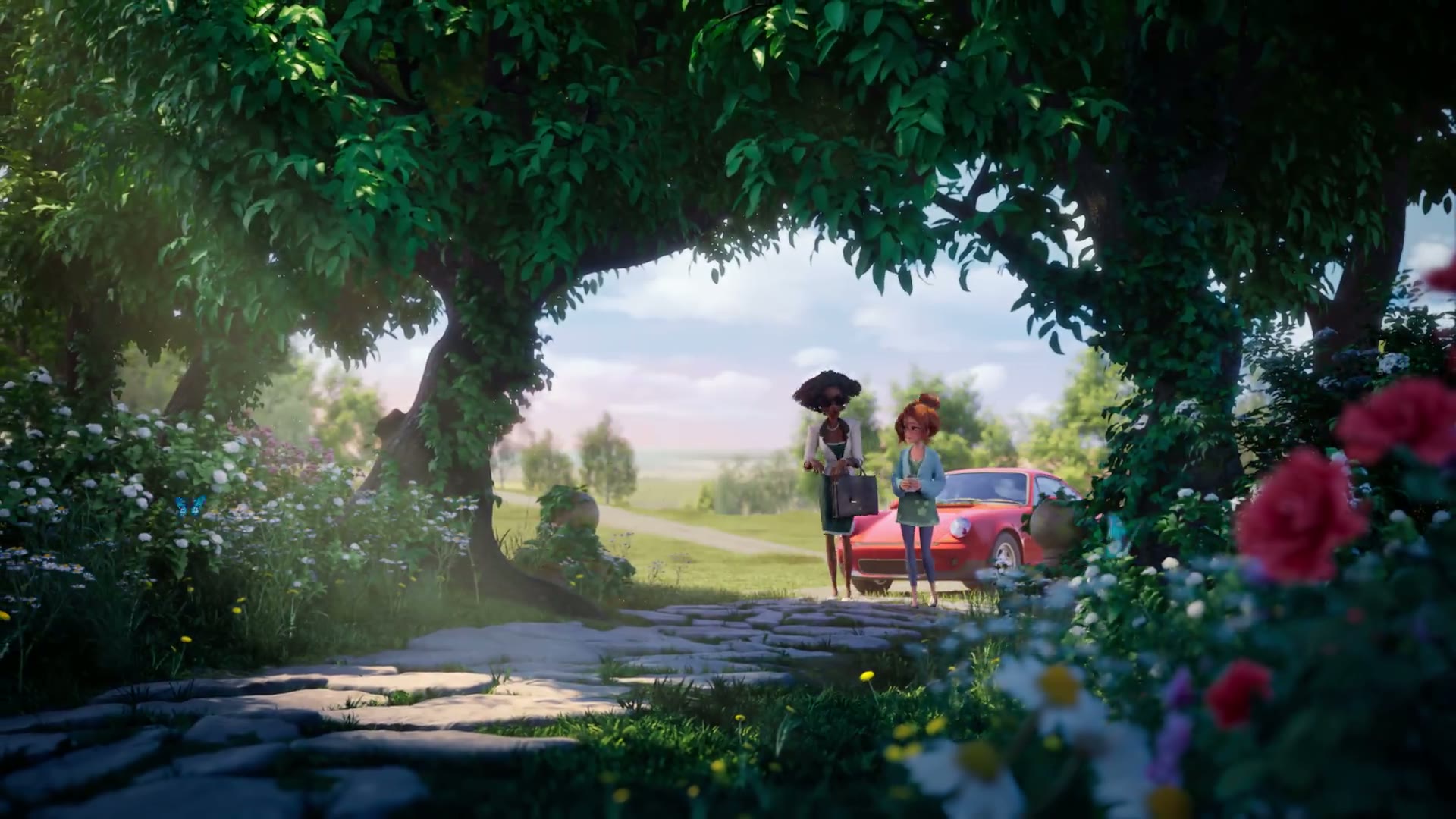
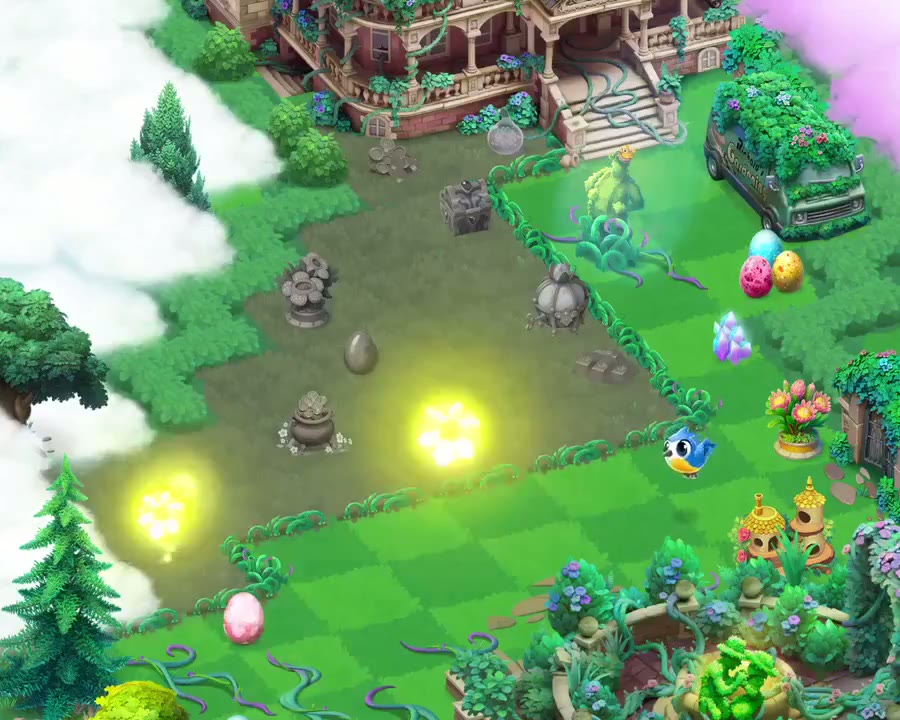
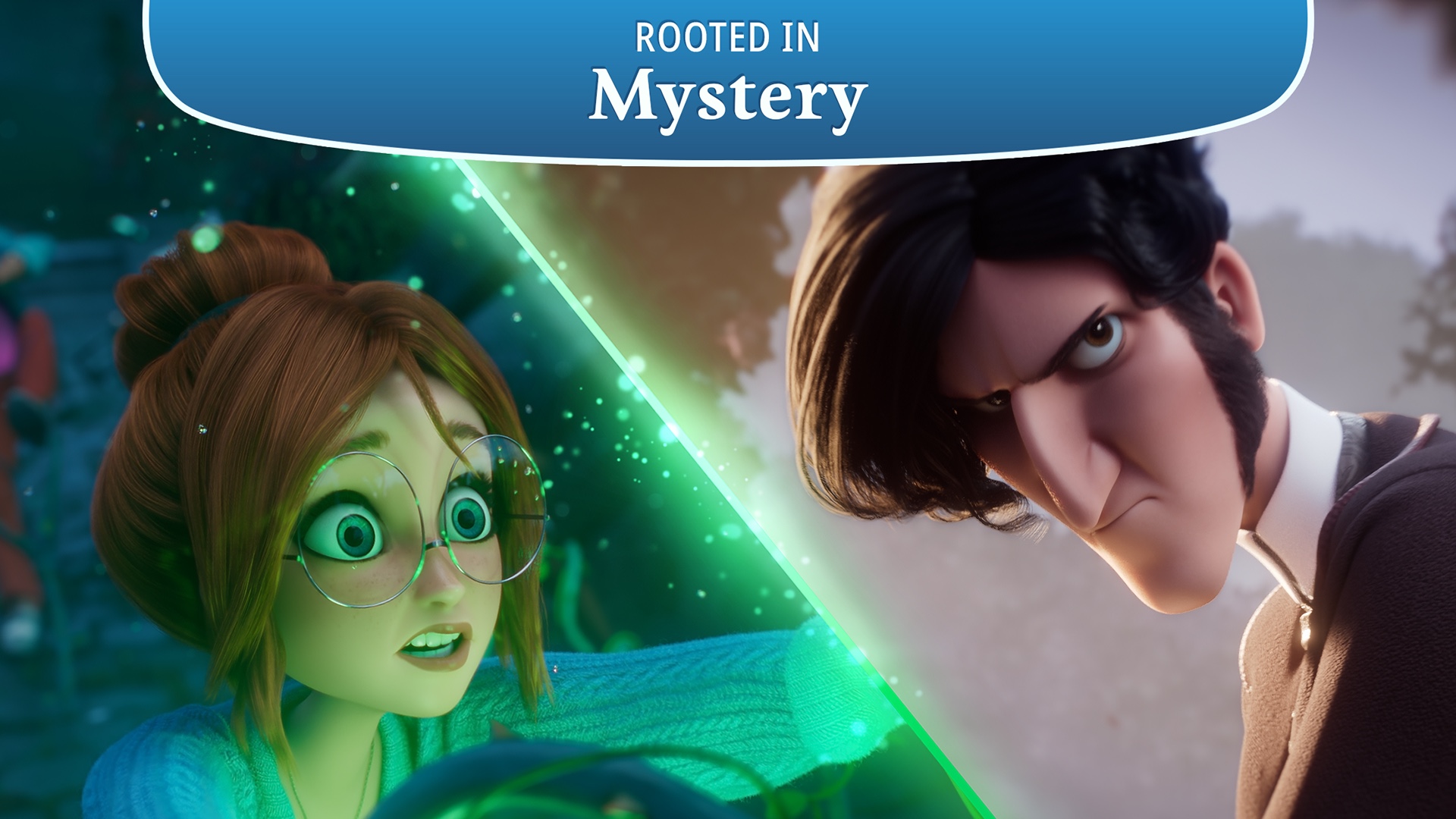
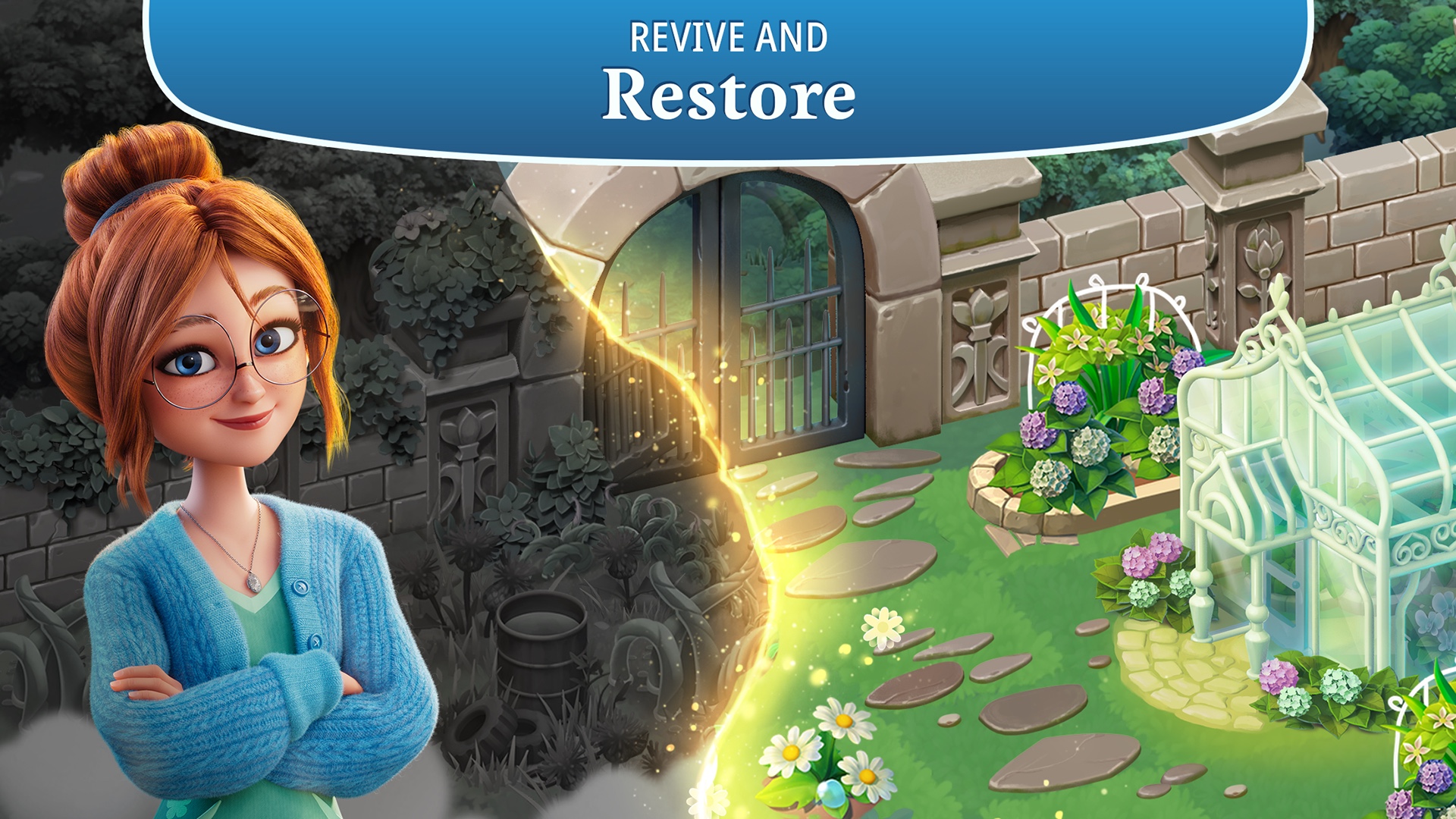
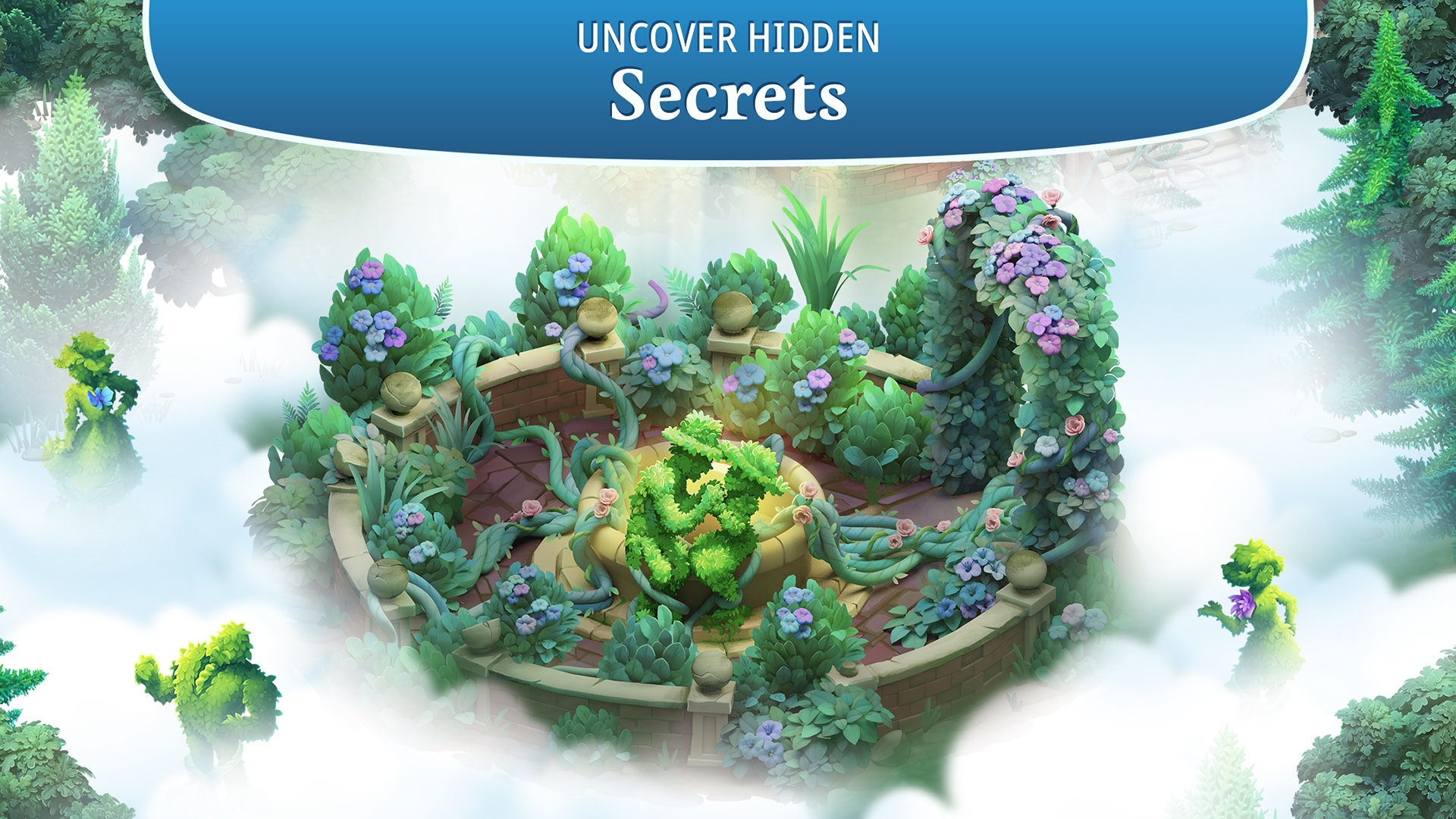
Daisy inherits an estate whose overgrown garden hides more than a renovation project. Myrtlegrove supplies the mystery, while your immediate work is practical: organise a garden of objects, combine matching items and make room for the next useful chain. Wildlife and newly revealed land turn individual merges into a continuing collection project.
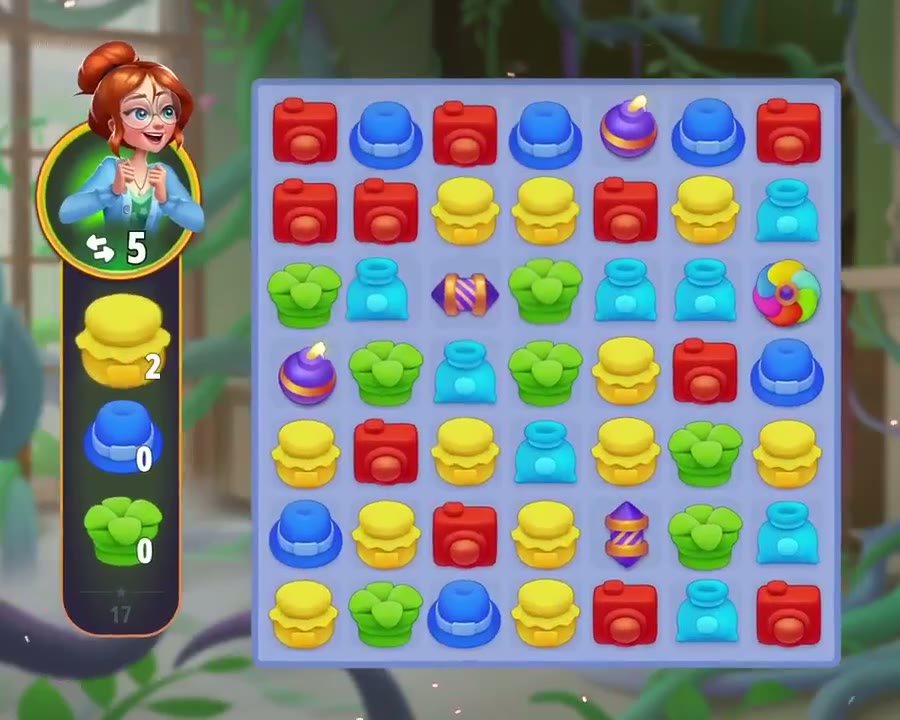
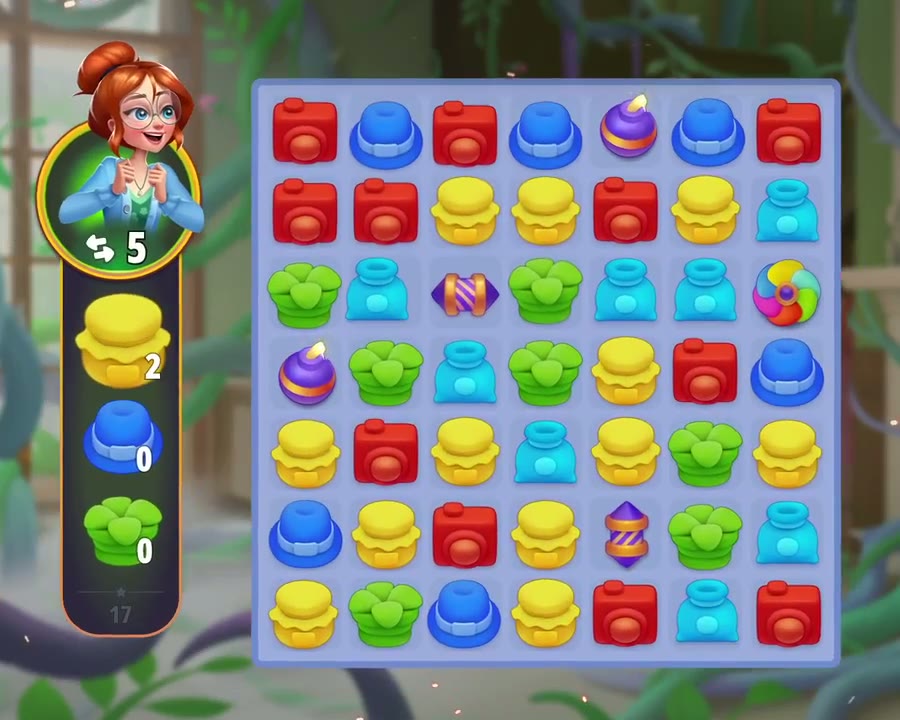
The other half of the game is a sequence of match-3 boards. These are not the same activity as arranging the garden. Garden Quests connect the two through objectives and experience, so the useful question is what your current task actually requires, rather than whether you can produce the most impressive-looking object immediately.
Try a modest goal in each puzzle layer before deciding whether this is your kind of restoration game. You may enjoy planning a collection but prefer fewer interruptions from separate boards, or find that switching activities gives the garden a welcome rhythm. Our overview describes official systems, not a hands-on difficulty or spending test.
The essentials
- Genre
- Merge puzzles and garden restoration
- Availability
- Available on Windows, Mac, iOS and Android
- Business model
- Free to start with optional purchases. Check the contents and duration of boosts or event offers before spending; this page does not promise a purchase-free completion time.
- Developer
- Futureplay Oy
- Publisher
- Futureplay Oy
Your way to play
What you can do
Garden
Give your merge chains room to grow
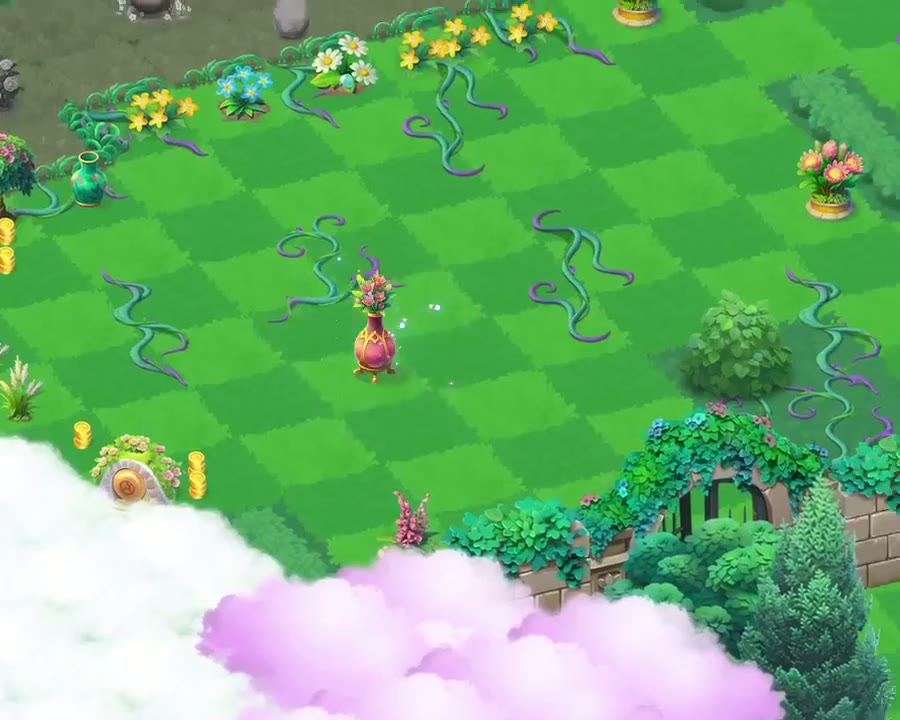
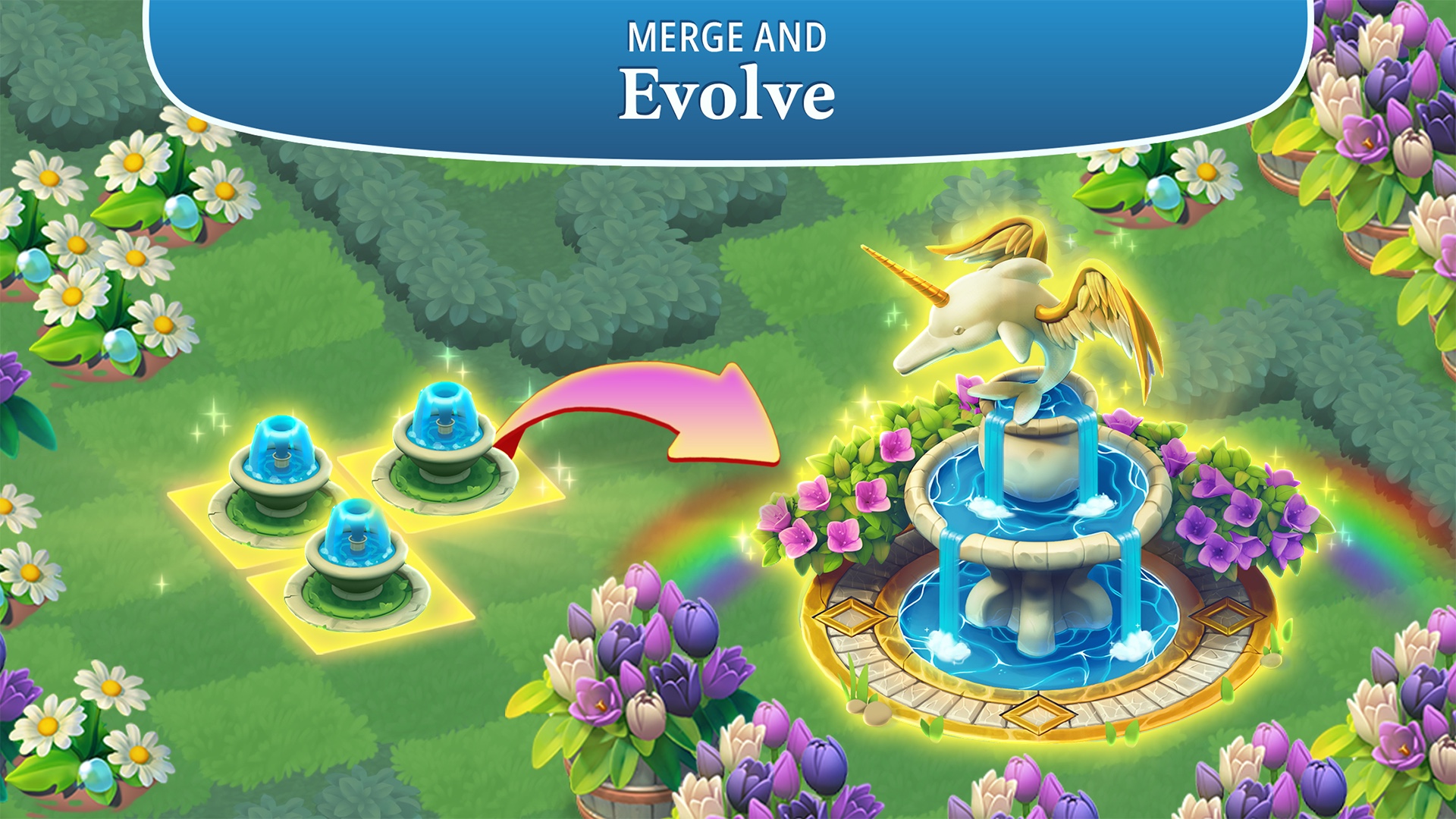
Combine matching objects and creatures into later stages while uncovering the estate. Treat the space you organise as part of the puzzle rather than only a backdrop for the story.
Puzzles
Switch from the garden to match-3
Solve separate boards for rewards and quest progress. Look at the current objective before assuming that another garden merge will advance Daisy's level.
Progression
Follow a restoration mystery
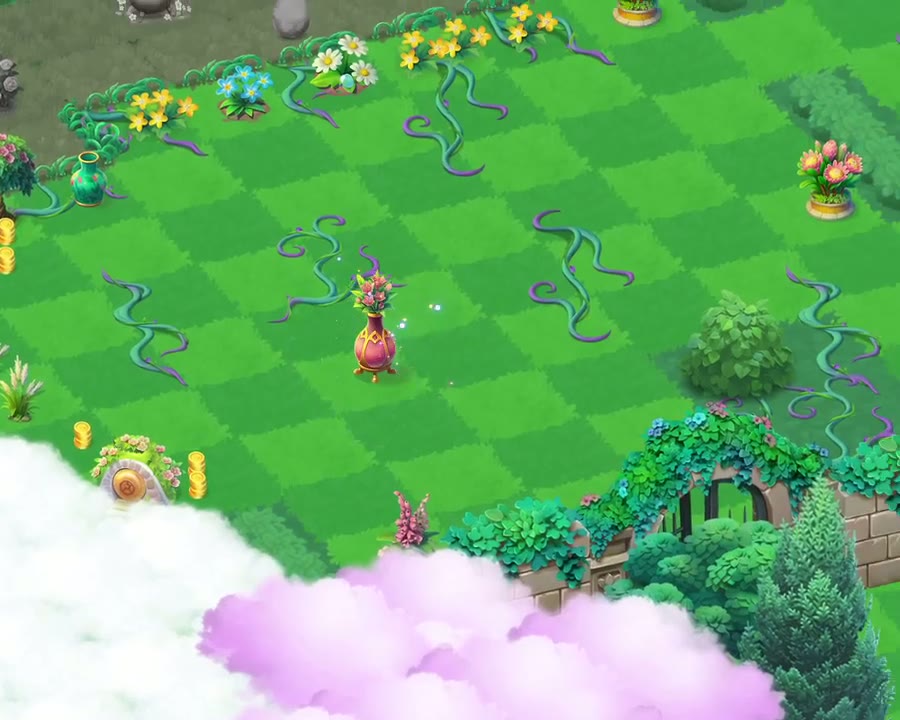
Garden Quests, wildlife and new land give a session a next step. The story provides a reason to explore without turning the cast into an invented combat roster.
Gallery
This media is unavailable. Choose another item or try opening the original.
This media is unavailable. Choose another item or try opening the original.
This media is unavailable. Choose another item or try opening the original.
This media is unavailable. Choose another item or try opening the original.
This media is unavailable. Choose another item or try opening the original.
This media is unavailable. Choose another item or try opening the original.
This media is unavailable. Choose another item or try opening the original.
This media is unavailable. Choose another item or try opening the original.
This media is unavailable. Choose another item or try opening the original.
This media is unavailable. Choose another item or try opening the original.
10 of 10 media items
Getting started
Before your first session
Protect an existing garden before switching devices
If you already play on mobile, connect that mobile garden to a Plarium ID first. Only then use the same ID in the computer game. The official guide warns that starting the connection on PC can require support to recover synchronisation.
Read Daisy's current Garden Quests
Check the objectives beside Daisy's portrait and decide whether the next task belongs to the garden or the match-3 section. Let that task guide your next move instead of spending resources across unrelated chains.
Learn the item protection controls
Enable the Merge Counter and inspect an item's information before selling it. Use the lock for valuable objects. A brief Undo is documented for sales or deletion, but support cannot reverse accidental merges.
Published minimum Windows configuration
- OS
- Windows 10 version 21H1 or Windows 11 version 21H2
- Processor
- Intel Core i3 / AMD Athlon
- Memory
- 4 GB RAM
- DirectX
- Version 11
- Storage
- 4 GB available space
Is this for you?
For players who want an ongoing collection and restoration project as well as match-3 puzzles. Less suited to someone seeking only unrestricted garden decoration or only an uninterrupted run of match-3 levels.
Things to consider
- Progress involves both garden objectives and match-3 boards; neither layer should be presented as optional background scenery.
- Optional purchases and time-limited features need their own budget decisions. No event reward, active code or best-value purchase is guaranteed here.
- Account synchronisation has an order of operations. A fresh computer login should not be assumed to recover an existing mobile save automatically.
Good to know
Can I play on a computer without an emulator?
Yes. Futureplay documents Plarium Play for Windows and Mac and a Microsoft Store route. Use the official instructions for your platform rather than an unofficial installer.
Is this only a match-3 game?
No. A persistent garden of merge chains sits alongside separate match-3 boards. Garden Quests can involve objectives in either part of the game.
How do I continue my mobile garden on PC?
Connect your existing mobile game to a Plarium ID first, then sign in with that ID on the computer. If you connected on PC first, follow the support article instead of overwriting or abandoning the old garden.
Can I undo an accidental merge?
The official support article says it cannot restore accidental merges. The lock and Merge Counter help prevent mistakes. The temporary Undo for a sale or deletion is a different feature.
Does the free download include every boost?
No. The game includes optional purchases and feature-specific conditions. Read the current offer rather than assuming the download grants every convenience or event reward.
Sources & verification
- Merge Gardens official presentation ↗
Daisy, Myrtlegrove, garden restoration, merging and separate match-3 puzzles.
- Official Plarium computer distribution ↗
Futureplay identity, computer download, published Windows configuration and screenshots; not a performance benchmark.
- Futureplay computer installation guide ↗
Official Plarium Play and Microsoft Store installation routes.
- Official mobile and computer synchronisation guide ↗
Connect the mobile garden to Plarium ID first; a computer-first connection may need support.
- Official Garden Quests and levelling guide ↗
Garden Quests award experience and include garden or match-3 objectives.
- Official accidental merges and sales guidance ↗
Merge Counter, valuable-item lock, temporary sale/deletion Undo and inability to restore accidental merges.
- Futureplay portfolio ↗
Original launch in autumn 2020; no exact PC or Steam launch day is inferred.
- Futureplay App Store listing ↗
Mobile availability and optional purchases; mobile requirements are not Windows requirements.
Your next step
Merge Gardens
Free to start with optional purchases. Check the contents and duration of boosts or event offers before spending; this page does not promise a purchase-free completion time.