Overview
Marvel Rivals
Combine superhero abilities in objective-driven team battles.
This media is unavailable. Choose another item or try opening the original.


Game images and footage belong to their respective owners.
 Visit official site
The experience
A closer look at Marvel Rivals
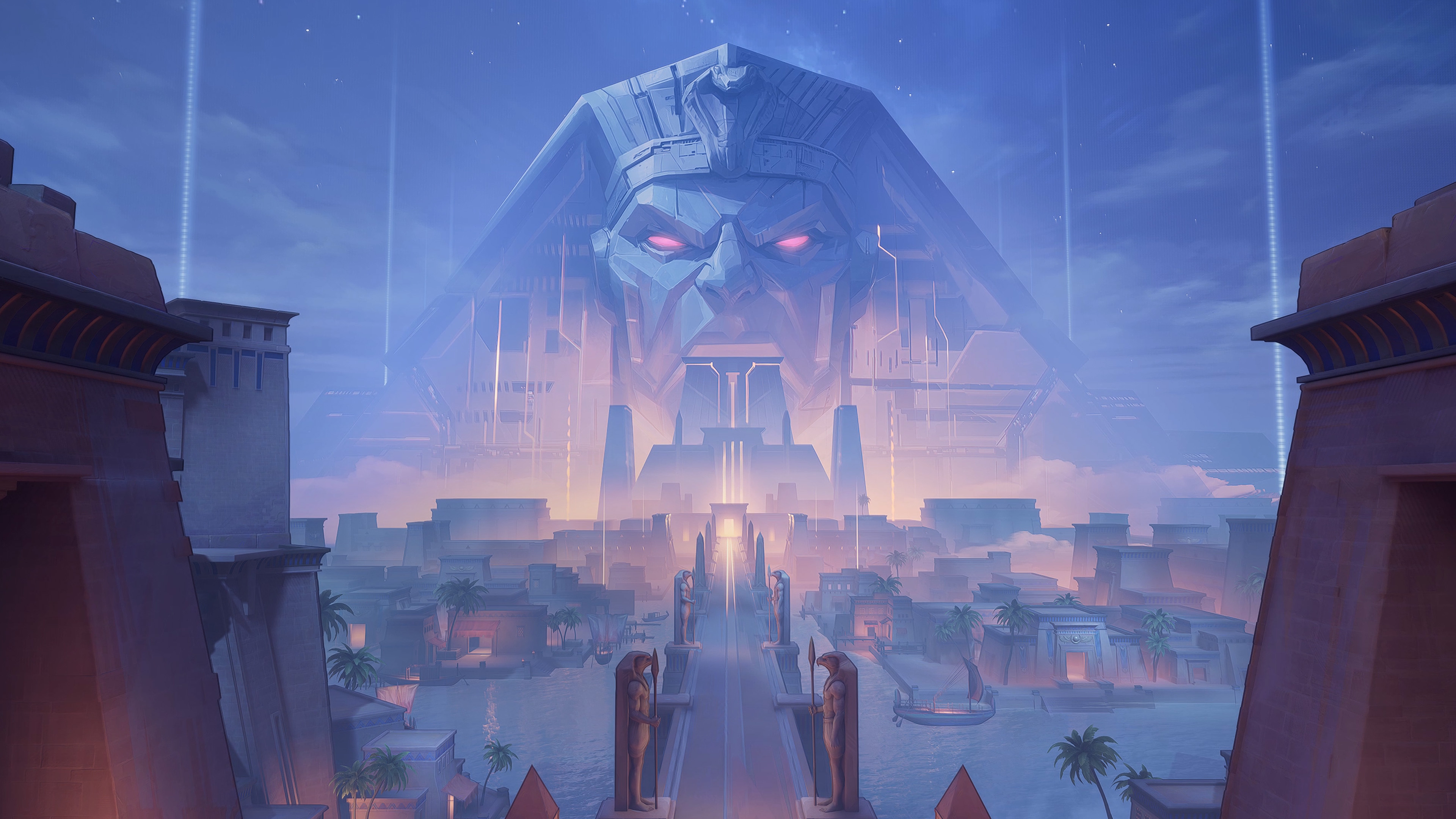
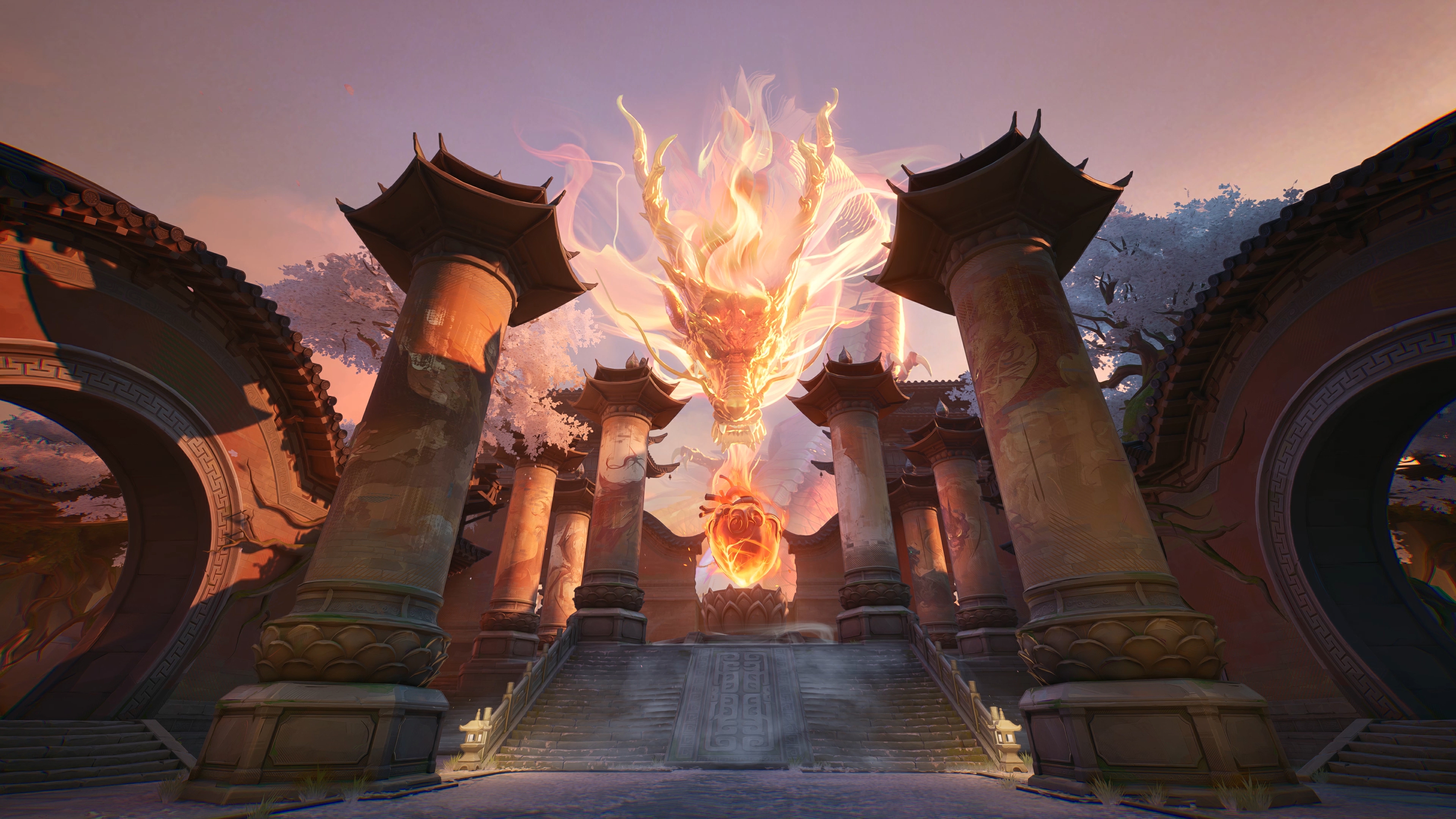
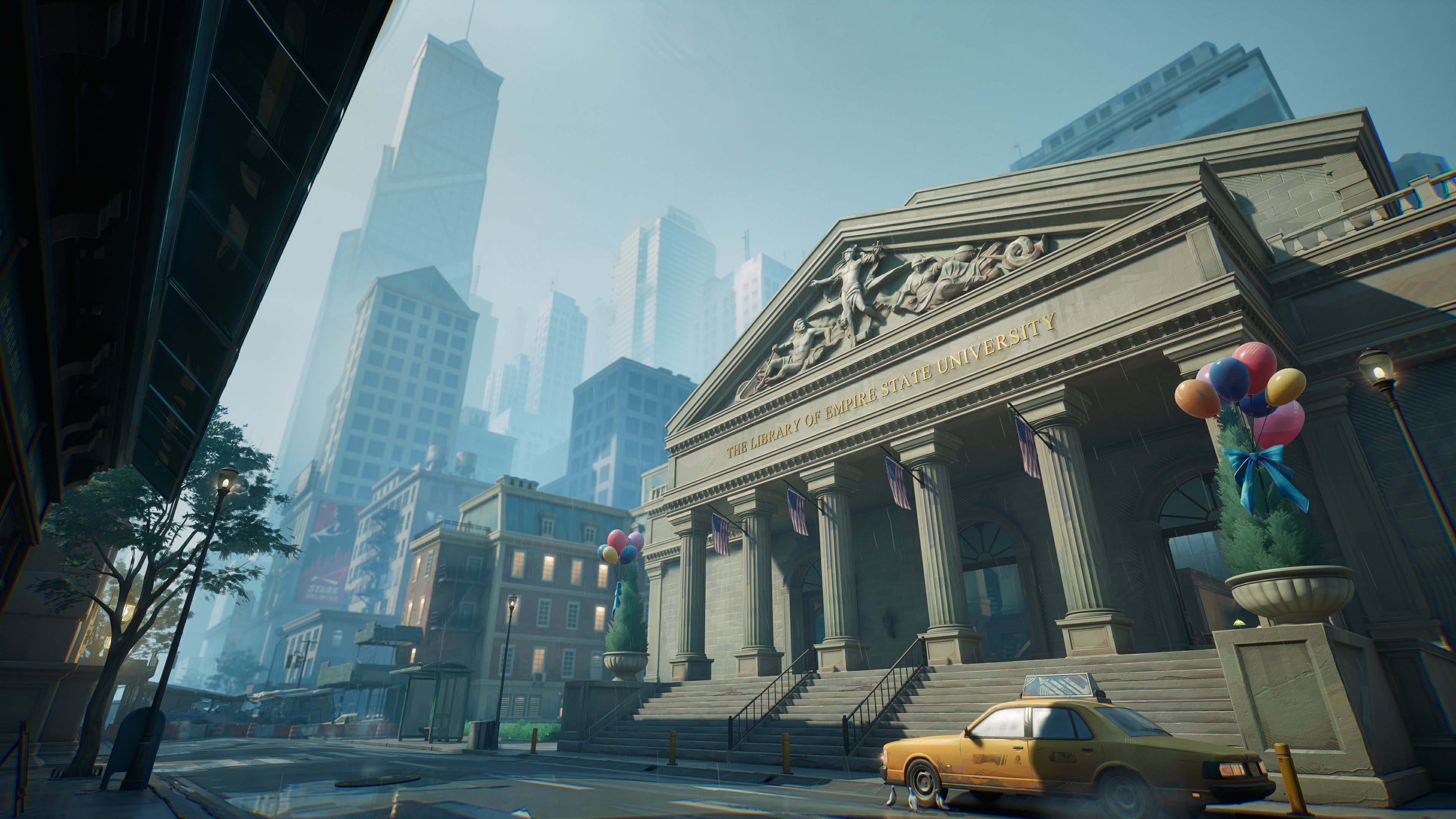
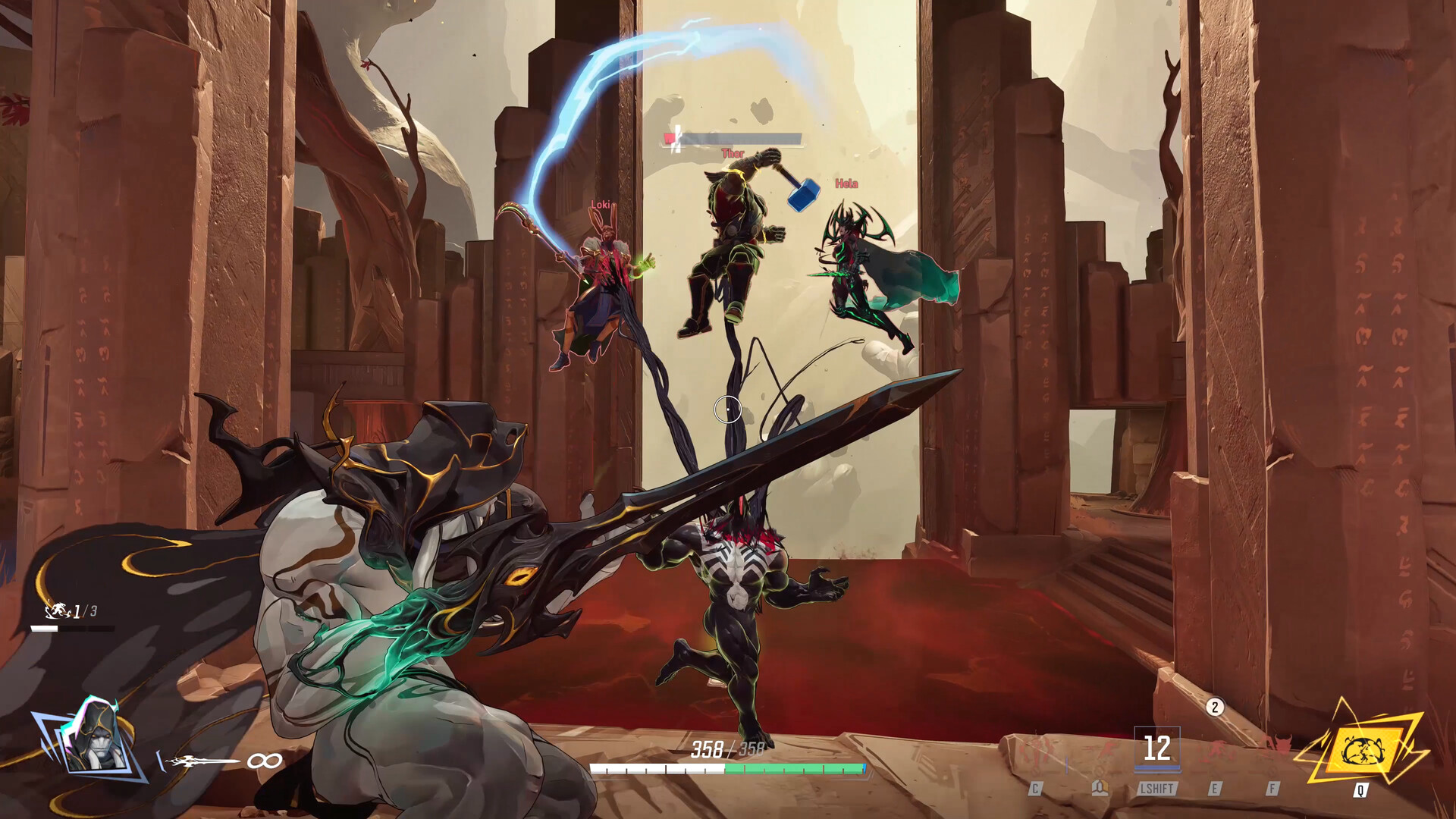
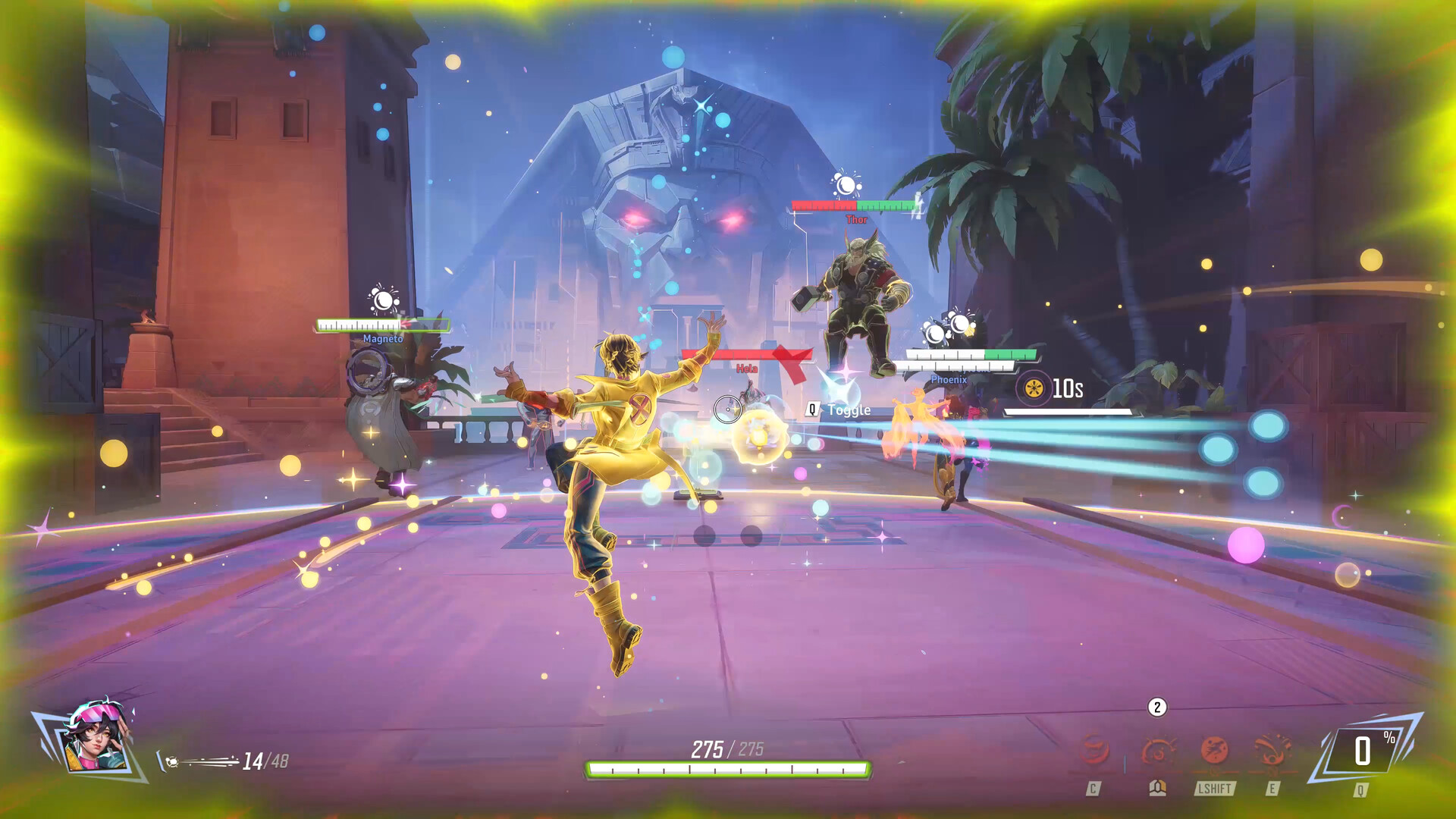
Marvel Rivals turns superhero powers into tools for a team fight. You select a hero, learn that character's movement and abilities, and coordinate with teammates around the match objective. The third-person view and different hero kits make positioning worth learning alongside shooting.
Team-Up abilities give certain character combinations additional interactions, while environmental destruction can change a fight's cover and routes. Treat both as things to inspect in the current client: balance updates can change combinations and individual abilities. Start by learning a small set of heroes rather than trying to follow a permanent best-character ranking.
The essentials
- Genre
- Third-person hero shooter
- Availability
- Available on Windows PC
- Business model
- Free-to-play with optional in-game purchases. Free access does not mean every cosmetic or paid item is included.
- Developer
- NetEase Games, with Marvel Games
- Publisher
- NetEase Games
Your way to play
What you can do
Heroes
Learn a role, then a second option
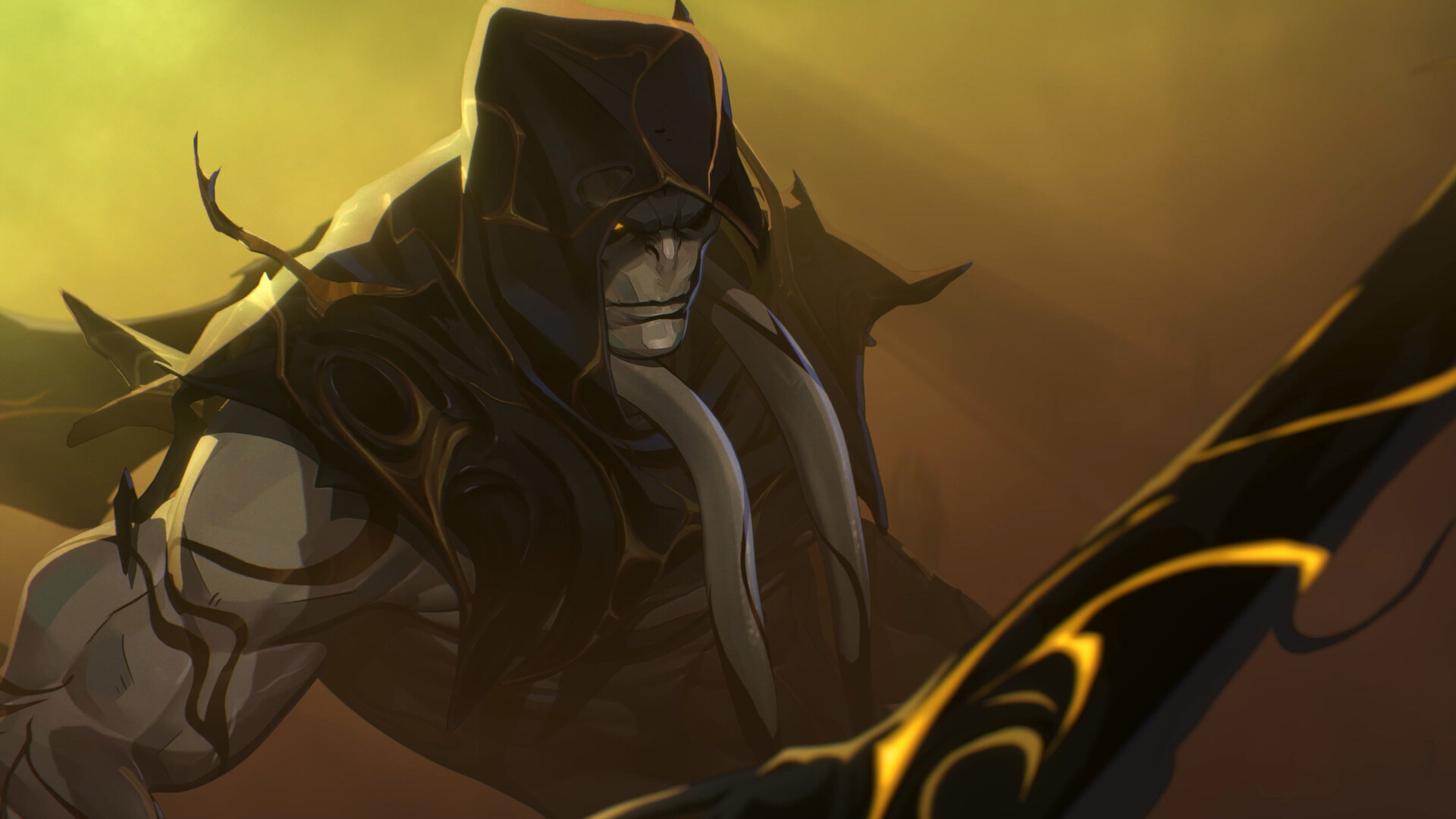
Vanguard, Duelist and Strategist are the game's role categories. Try different kits and keep a backup character you understand, so your choice can respond to the team rather than only a favorite Marvel character.
Teamwork
Plan around Team-Up abilities
Compatible heroes can combine powers through specific Team-Up interactions. Check the current ability descriptions before choosing a pairing; knowing when to use a combination matters more than assuming a familiar duo still works the same way.
Battlefields
Watch the environment change
Parts of the battlefield can be destroyed. Reassess cover and sightlines as fights develop, and avoid treating a position that worked at the start of a match as permanently protected.
Gallery
This media is unavailable. Choose another item or try opening the original.
This media is unavailable. Choose another item or try opening the original.
This media is unavailable. Choose another item or try opening the original.
This media is unavailable. Choose another item or try opening the original.
This media is unavailable. Choose another item or try opening the original.
This media is unavailable. Choose another item or try opening the original.
This media is unavailable. Choose another item or try opening the original.
This media is unavailable. Choose another item or try opening the original.
This media is unavailable. Choose another item or try opening the original.
This media is unavailable. Choose another item or try opening the original.
This media is unavailable. Choose another item or try opening the original.

This media is unavailable. Choose another item or try opening the original.
12 of 12 media items
Getting started
Before your first session
Check the Windows installation requirements
Use an official PC distribution, compare your hardware with the published requirements and leave space for updates. The publisher recommends an SSD. Check performance before settling on graphics settings.
Read one hero's complete kit
Identify a way to contribute, a way to reposition and a reason to save each ability. Learn a second hero only after you can explain what the first one needs from teammates.
Practice fighting for the objective
Stay close enough to support teammates and look for a shared opening. After a lost fight, consider positioning and ability timing before changing heroes solely to chase more eliminations.
Published Windows Minimum Requirements
- Operating system
- Windows 10 64-bit, version 1909 or newer
- Processor
- Intel Core i5-6600K or AMD Ryzen 5 1600X
- Memory
- 16 GB RAM
- Graphics
- NVIDIA GeForce GTX 1060, AMD RX 580 or Intel Arc A380
- DirectX
- Version 12
- Storage
- 70 GB available space; SSD recommended by the publisher
- Network
- Broadband internet connection
Is this for you?
A fit for players who enjoy learning character abilities and coordinating short team fights. Less suited to someone seeking a solo Marvel story campaign or a shooter centered on one shared weapon kit.
Things to consider
- Results depend on teammates and readable positioning as well as individual aim; learning unfamiliar abilities takes time.
- The PC listing discloses NetEase Game Security anti-cheat. The publisher warns that certain client mods can trigger detection and penalties.
- Hero balance and Team-Up combinations change. This profile does not promise a fixed roster size, permanent pairing or current competitive ranking.
Good to know
Is Marvel Rivals free on PC?
Yes. Steam lists the base game as free-to-play and discloses in-app purchases. Optional paid items are separate from installing the game.
Is this a first-person shooter or a Marvel campaign?
It is a third-person team PvP shooter. The core format highlighted by the developer is 6v6 combat, rather than a solo story campaign.
Which PC version should I install?
The official site links Windows versions through Steam, Epic Games Store and its own launcher. Choose an official distribution and follow its installation instructions.
Does it use anti-cheat, and are mods safe?
Steam discloses NetEase Game Security. The October 15, 2026 official mod notice prohibits modifications that create unfair advantages or trigger unauthorized client-modification detection. Do not assume a cosmetic mod is automatically permitted.
Are these requirements a frame-rate guarantee?
No. They are the publisher's listed Windows minimums, also shown on Steam. Resolution, settings, updates and the rest of your system affect actual performance.
Sources & verification
- Marvel Rivals official site ↗
Windows distribution links / Core 6v6 format / Team-Up abilities and environmental destruction
- Marvel Rivals on Steam ↗
Released PC title developed and published by NetEase Games / Free-to-play with in-app purchases / NetEase Game Security disclosure / Windows requirements corroborate the release FAQ
- Marvel Rivals official release FAQ ↗
Listed minimum Windows hardware, DirectX, storage and network / SSD recommendation / Steam, Epic and official launcher access
- Marvel Rivals official balance post for version 20260116 ↗
Vanguard, Duelist and Strategist role categories / Documented changes and removals to Team-Up abilities; not a current tier list
- Use of Mods and Violation Management, October 15, 2026 ↗
Certain mods trigger anti-cheat detection / Unfair client modifications are prohibited and can result in penalties
Your next step
Marvel Rivals
Free-to-play with optional in-game purchases. Free access does not mean every cosmetic or paid item is included.